Substance overview
Start with the basics.
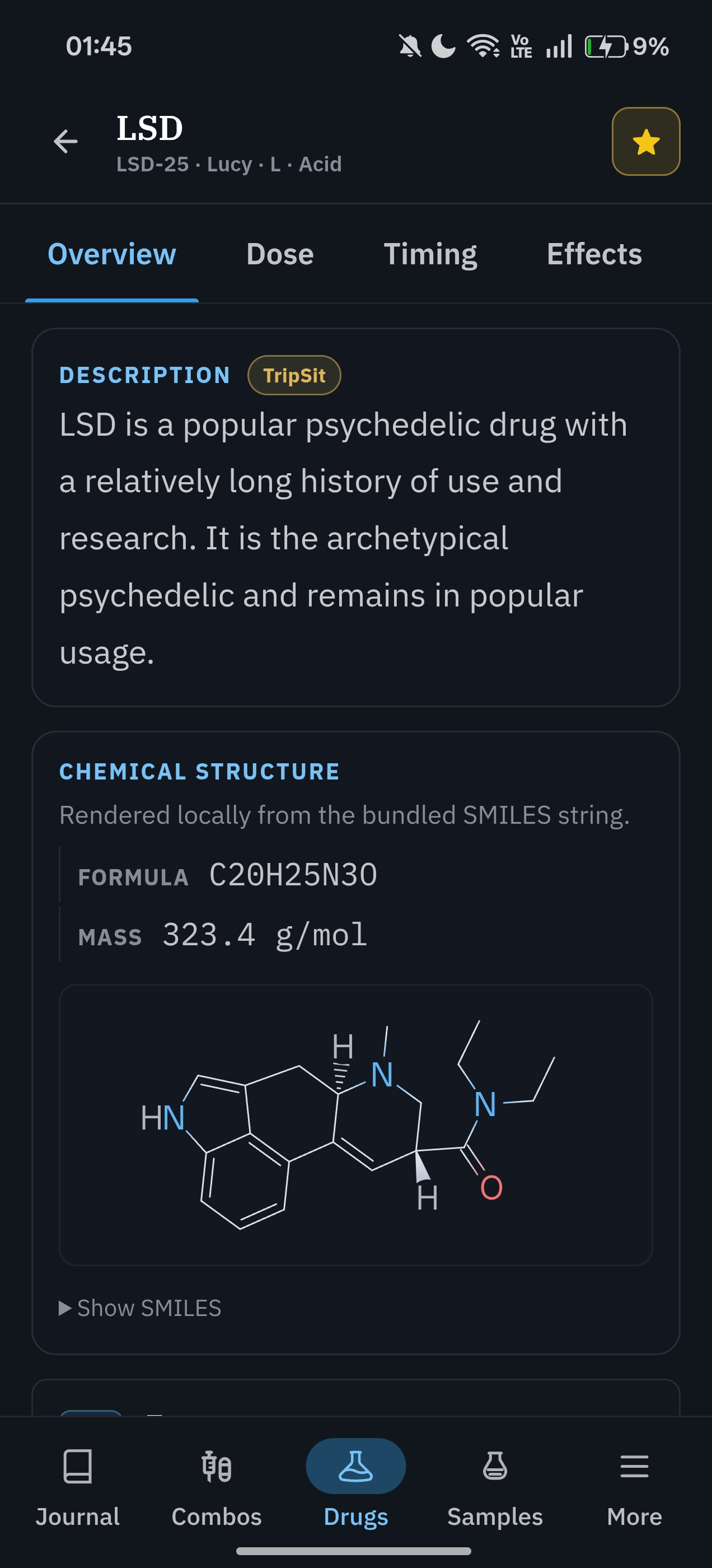
Read the description, other names, basic properties, chemical structure, dose, timing, effects, and safety information.
- Sources stay visible
- Names and key details in one place
Harm reduction information
Look up substances and combinations, browse drug-checking results, and keep a private journal on your device.
Information only. Fracton cannot tell you whether using a substance is safe and is not medical advice. In an emergency, call local emergency services.
What Fracton includes
Fracton puts the main information in one place. Sources and personal notes stay separate. There are no accounts, feeds, streaks, or scores.
Reference
Find dose, timing, effects, precautions, testing, aliases, and tolerance information.
Browse substancesInteractions
Choose substances and see warnings for each pair. TripSit and PsychonautWiki sources stay separate.
Check combinationsDrug-checking results
Browse drug-checking results with claimed and detected substances, dates, places, images, and summaries.
Open SamplesYour journal
Log experiences, phases, costs, routes, and notes on your device. Review them by timeline, calendar, use, spending, and tolerance.
Open JournalHow it works
See the main parts of the app.
Substance overview
Read the description, other names, basic properties, chemical structure, dose, timing, effects, and safety information.
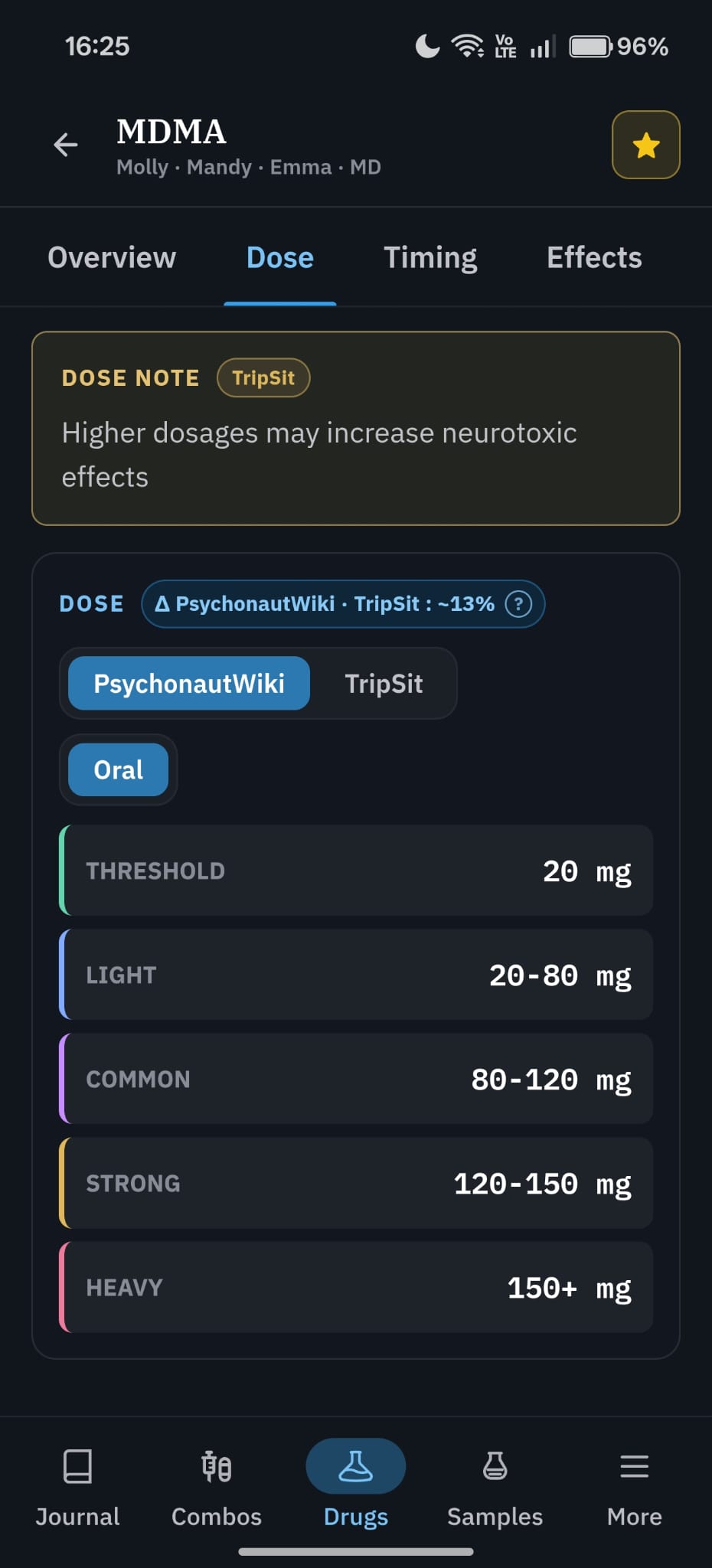
Dose guidance
Dose ranges are grouped by source and route. Warnings stay next to the information they apply to.
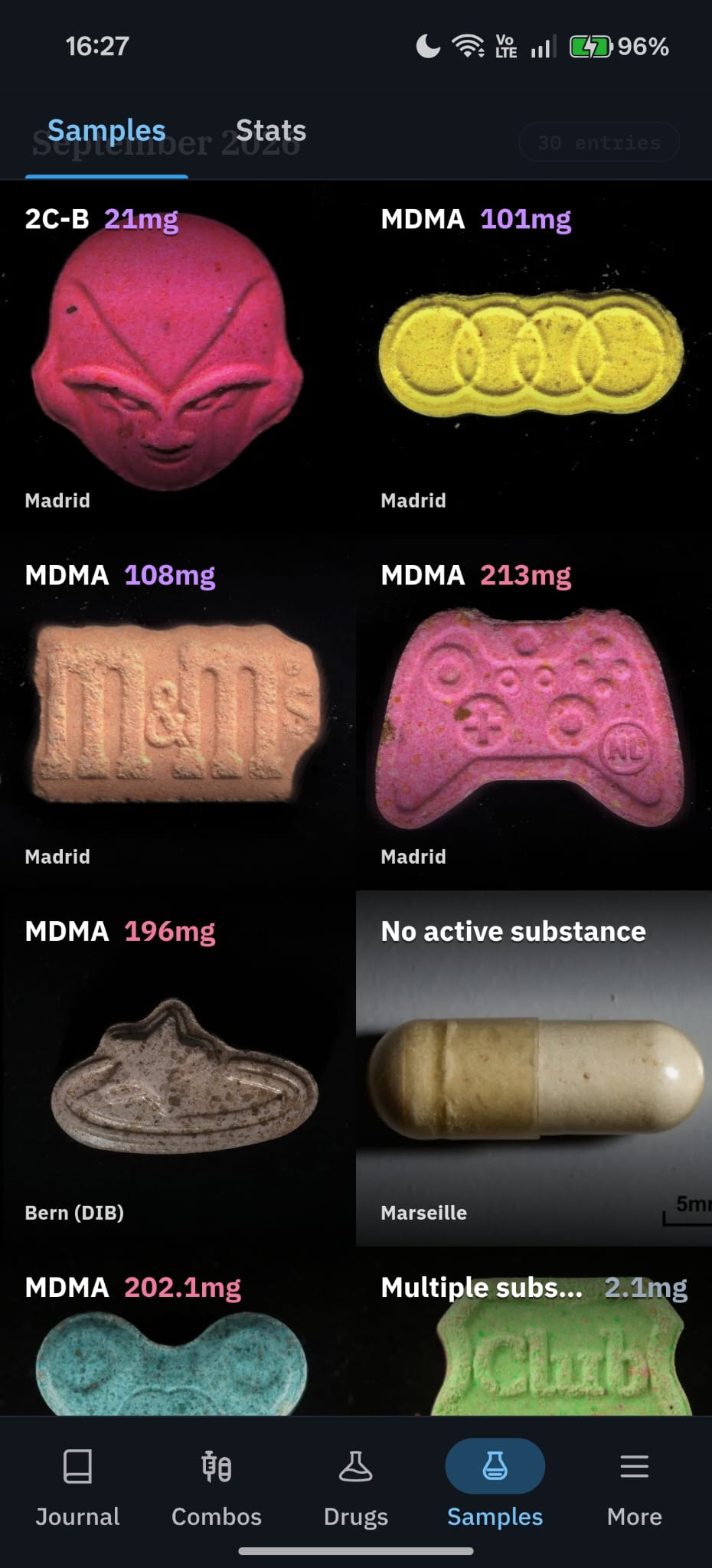
Public sample feed
Look through drug-checking samples by substance, place, and source. See what was claimed, what was found, and any reported amount.
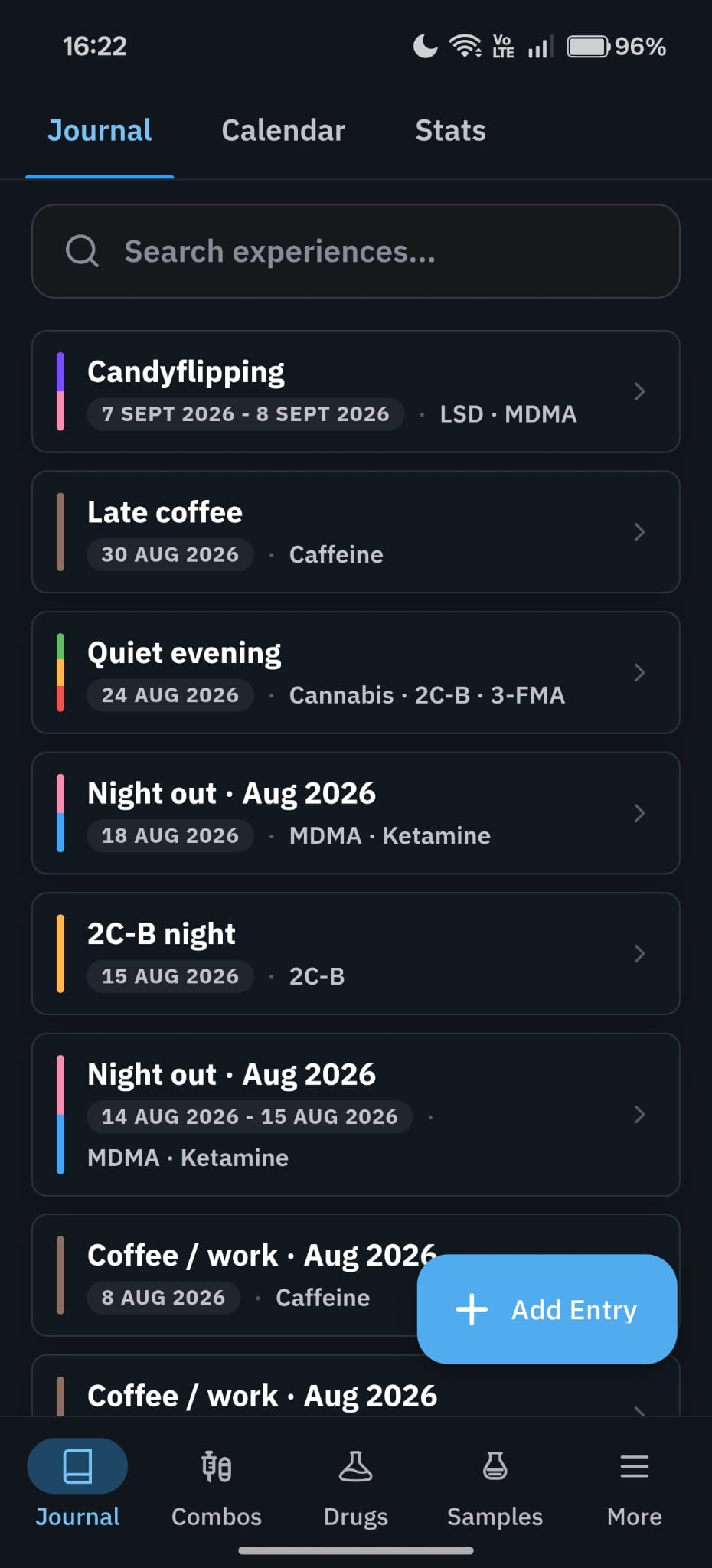
Journal history
Search your experiences, see dates and substances, and add entries without sending your journal to us.
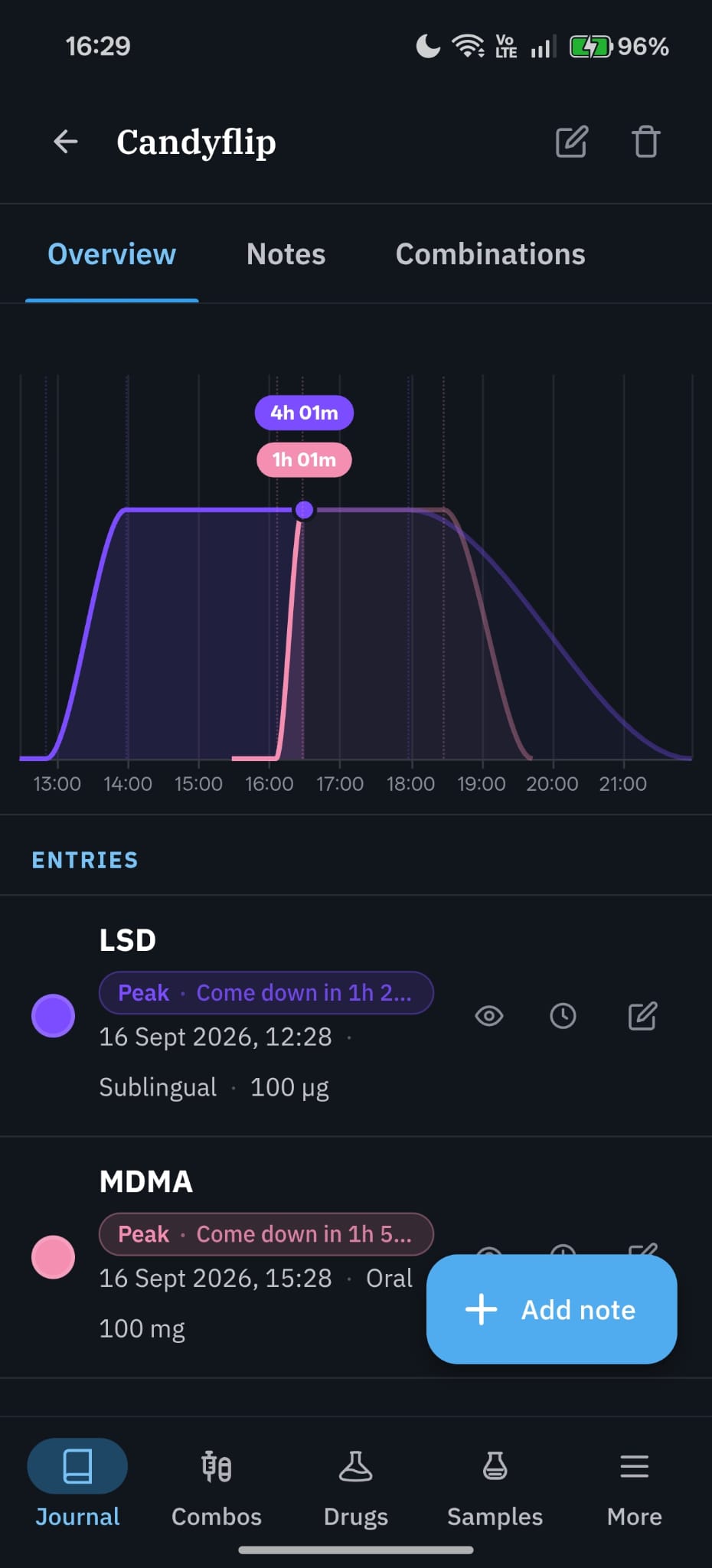
Experience timeline
Put entries on one timeline so you can compare phases, times, routes, amounts, and notes.
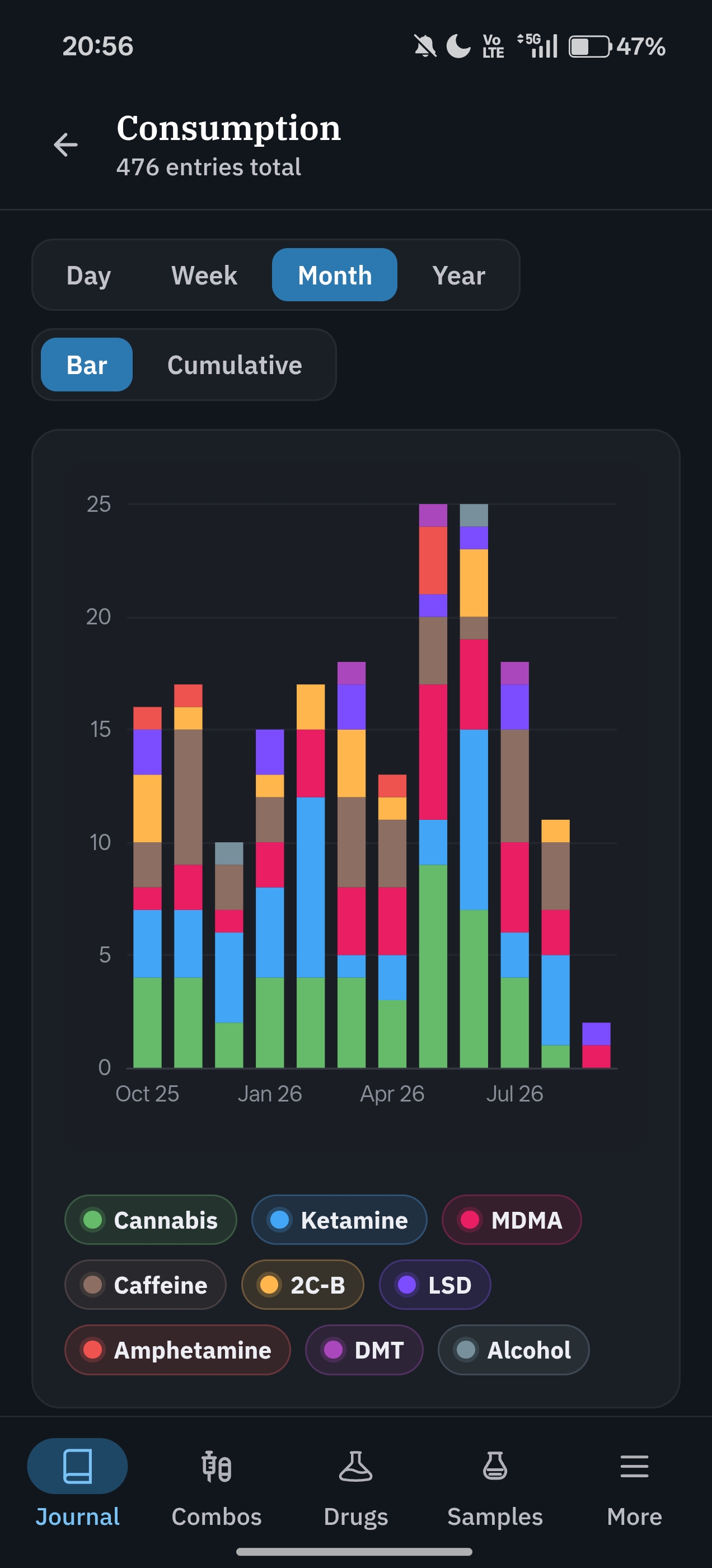
Consumption statistics
View entries by day, week, month, or year. Compare substances with bars or totals. Everything comes from your local journal.
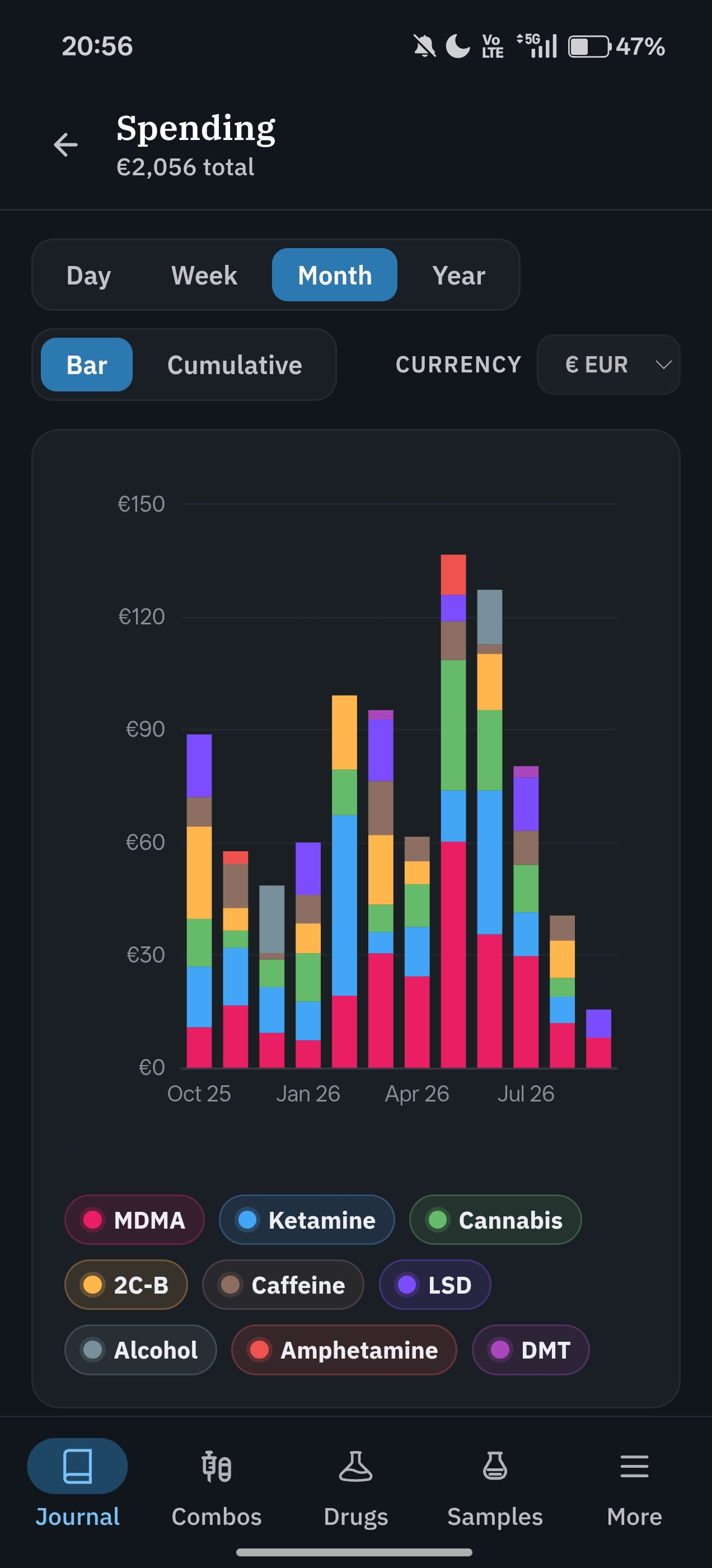
Spending statistics
Add spending to entries and review costs by substance, currency, and time period. Your journal stays on your device.
Privacy
Fracton has no accounts, analytics, tracking, or ads. The project does not store your journal.
Read the privacy policyKeep in mind
Sources
Fracton stores source data for offline use. Source names stay visible, your own values stay separate, and the original projects do not endorse Fracton.
Dose, timing, tolerance, and substance information.
Substance descriptions, dose notes, and combination warnings.
Effect explainers and media for offline use.
Drug-checking records with source, date, place, claimed and detected substances, amounts, and limits.
Install
Add Fracton to your iPhone, iPad, or Android home screen. No app store or account needed. Open it online once to save the files for offline use.
For the best full-screen layout, paste this address into Chrome before installing:
chrome://flags/#web-app-short-edges-cutout-modeSet Web App Short Edges Cutout Mode to Enabled, then relaunch Chrome and return here to install.
If your Chrome version does not have this setting, Fracton still works. Choose Install instead of Create shortcut when both are shown.

Your reference and journal, one tap away.
Before adding sensitive information: use a normal browser, turn on Journal encryption under More > Settings, choose a strong passphrase, and lock the journal when done. Avoid remember modes on shared devices. Fracton cannot recover a forgotten passphrase or deleted browser data.
Get started
Install it with Safari on iPhone or Chrome on Android, then open it from your home screen.
Donate
If you find Fracton useful, you can support it with one of these options. Crypto addresses can be copied into your wallet.